Why Finding Symbols on Construction Drawings Is So Hard
Building a symbol detection pipeline for construction drawings? Here are the challenges you'll discover around scale, rotation, pixel-similar symbols, and memory.

TL;DR
- Frontier vision models like Gemini can parse symbols from a clean legend, but struggle to locate those same symbols on a crowded plan sheet. Bounding boxes drift, similar symbols get confused, and resolution limits prevent full-sheet processing.
- If you're building symbol detection for construction drawings, you'll need to solve for scale variance across sheets, symbols that differ by a few pixels, arbitrary rotation, composite sub-components, and processing 200M+ pixel images without running out of memory.
- The best published academic results for symbol detection on construction drawings top out around 83% mAP. No single approach (LLM, YOLO, template matching) works on its own.
- We've been building through these challenges and landed on a hybrid pipeline that uses the right tool for each stage. This post walks through what you'll encounter if you would like to build this yourself.
The Problem Looks Simple
You have a legend. It lists every symbol on the drawing, with a little graphic and a label. A duplex receptacle looks like two parallel lines. A switch is a circle with an "S". Simple enough.
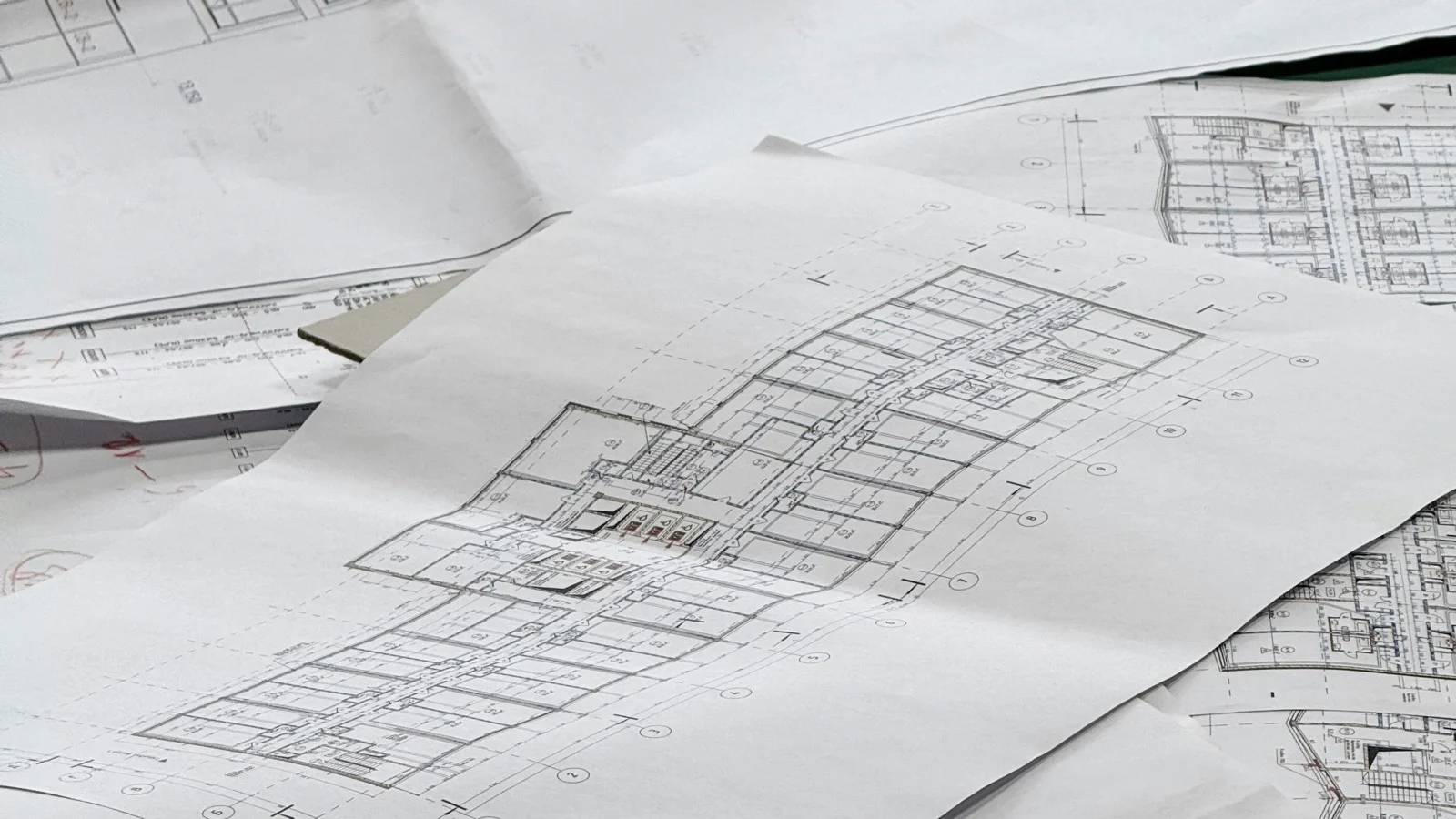
Now find every instance of those symbols on a 7,200 x 10,800 pixel electrical plan, where symbols overlap with dimension lines, text callouts, wire runs, and each other. That's 77.8 million pixels to search through, and the symbols you're looking for are maybe 50 pixels wide.
This is the core of automated material takeoff: count every symbol on a drawing set so estimators don't have to do it by hand. Manual takeoffs take days to weeks depending on project size [1]. AI-powered approaches can cut that time by 5x [2], but only if the detection actually works. And getting it to work is where the real engineering starts.
The LLM Only Gets you 50% of the Way
If you're starting from scratch, your first instinct will probably be the same as ours: throw a frontier vision model at it. Give Gemini-3.1-pro, ask it to identify symbols, then ask it to find those symbols on the plan.
The first part works. Gemini is genuinely good at legend parsing. Give it a clean legend image and it'll identify each symbol graphic with a bounding box and label. It understands layout, reads the text descriptions, and returns structured coordinates.
But the bounding boxes are approximate. On a clean legend with well-spaced symbols, "approximate" is fine, you can refine with classical CV after the fact. On a dense legend where symbols are packed tight, those boxes overlap each other, merging adjacent symbols or cutting one in half. You'll need a whole refinement pipeline just for the legend stage.
The real wall hits when you try to use the LLM to find symbols on the actual plan sheet. We tested this extensively (and wrote about the broader challenge in why AI can't reliably detect drawing changes). The model can't process a full-resolution construction drawing. Even with tiling, bounding box precision on crowded regions isn't good enough for material takeoff.
A 2024 review of deep learning methods for engineering diagrams tested frontier VLMs on engineering drawing tasks:
"Despite recent advancements, achieving 100% accuracy remains elusive due to factors such as symbol and text overlapping, limited dataset sizes, and variations in engineering drawing formats."
— Elyan et al., Artificial Intelligence Review, 2024
This matches what we've seen. So if you're building this, plan for the LLM to be one piece of the puzzle, not the whole thing.
Five Challenges You'll Discover
1. Scale Mismatch Between Legend and Drawing
The legend shows symbols at one size. The plan shows them at a different size. And different plan sheets within the same drawing set can have different scales. A symbol that's 80px on the legend might be 45px on one sheet and 70px on another.
Your detection system needs to search across a wide range of scales. Multiply that by all possible rotations and flips, and you're looking at hundreds of template variants per symbol per region of the drawing. The combinatorial explosion is real, and you'll need to be smart about which combinations to test and when to stop.
2. Symbols That Differ by a Few Pixels
This is the one that will keep you up at night. A single-pole switch is a circle with an "S". A three-way switch is a circle with an "S3". A duplex receptacle is two parallel lines. An existing receptacle to be removed is two parallel lines with an "X" through them.
At 50px, the difference between these symbols might be 3-4 pixels of ink. Any matching algorithm gives them similar confidence scores. A model that's 95% confident it found a duplex receptacle is also 87% confident it found a switch, because the underlying shapes overlap. You'll need some form of cross-symbol disambiguation that goes beyond raw confidence scores.
3. Arbitrary Rotation
Symbols on a plan appear at whatever angle makes sense for the layout. A receptacle on a north wall faces south. The same receptacle on an east wall faces west. Some symbols show up at 45-degree angles along diagonal walls.
You can't just match against the upright version of a symbol. You need to account for every possible orientation, and then refine the angle to get precise localization. Testing a handful of cardinal angles gets you most of the way, but you'll still need a refinement step to dial in the exact rotation for each detection.
4. Composite Symbols
A fire alarm pull station might contain a circle that also appears in a smoke detector symbol. A junction box shares visual components with conduit runs. When you're matching at the pixel level, these shared sub-components produce false positives constantly.
In our testing, the majority of false positives came from the template matching against random line work or structural elements that happen to look like part of a symbol. You'll need filtering stages that go beyond simple correlation, something that understands whether the overall structure of a detection matches the template, not just a fragment of it.
5. Massive Image Size
This constraint shapes everything. A single ARCH D sheet at 300 DPI is 233 MB as an RGB array. You can't hold multiple sheets in memory simultaneously, and you can't brute-force every template variant across the full image.
You'll need to tile the drawing, skip empty regions, and manage memory aggressively. If you're using Python with NumPy, watch out for hidden temporary arrays in expressions like (a * 0.5 + b * 0.5), because they can spike memory unpredictably. This is an engineering problem as much as an algorithmic one.
What We've Found Works (and What Doesn't)
If you're evaluating approaches, here's what we've learned so you don't have to rediscover it.
Feature-based matching (SIFT, ORB) mostly fails. Construction symbols are too small and uniform for distinctive keypoints. These methods were designed for natural images with rich texture, not binary line drawings with 50px symbols.
Standard object detectors (YOLO, Faster R-CNN) work but don't generalize. The best published results show 79% mAP for YOLO and 83% for Faster R-CNN on construction drawings [3]. Solid numbers, but these models need labeled training data per symbol class, and every new drawing set introduces new symbols.
LLMs are great at reading, bad at searching. Frontier models excel at structured understanding tasks: parsing a legend, reading labels, making judgment calls about ambiguous cases. They're not the right tool for pixel-level localization across a massive image.
Template matching is the underrated workhorse. Old technology, but it's fast, deterministic, and the legend gives you templates for free. The legend is your zero-shot training set. A 2025 study from ECML PKDD confirmed that legend-informed approaches can reach 80%+ accuracy across drawing styles with no manual labeling.
No single technique works. We use the LLM where it's strong (understanding structure), classical CV where it's strong (fast pixel-level search), and neural embeddings for semantic verification. Each component compensates for the others' weaknesses.
The Hard Part
The challenge that's easy to underestimate is cross-symbol disambiguation. When two different symbol types produce overlapping detections, confidence scores alone can't resolve the conflict. A simple template (like a circle with an "S") naturally scores high everywhere, including on regions that are actually a different symbol.
You'll need some mechanism to arbitrate between competing symbol types, whether that's a trained classifier, an LLM-based judge, or a more sophisticated scoring function. In our experience, this is where more engineering effort goes than in the initial detection itself. The filter architecture matters more than the detection architecture.
There's still a lot of open space here. Learned template matching (neural features instead of raw pixels) could eventually outperform classical approaches. And handling symbols that aren't on the legend, which happens more than you'd expect, is still wide open.
We've been working through these challenges for a while, and our pipeline handles the common cases well. If you're tackling this yourself, we hope this saves you some discovery time. And if you'd rather not build it from scratch, that's what we're here for.
Key Takeaways
- Frontier vision models parse clean legends well but can't reliably locate symbols on crowded plan sheets due to resolution limits and imprecise bounding boxes.
- Construction symbols are uniquely hard: tiny (40-90px), nearly identical, arbitrary rotations, and overlapping sub-components.
- Feature-based matching (ORB, SIFT) mostly fails on construction symbols. Standard object detectors (YOLO, Faster R-CNN) work but need retraining per symbol vocabulary.
- Template matching is underrated for this domain because the legend provides zero-shot templates for every drawing set.
- The hardest problems are cross-symbol disambiguation, scale variance across sheets, and processing 200M+ pixel drawings without running out of memory.
- No single approach works. A hybrid pipeline (LLM for understanding, classical CV for search, neural embeddings for verification) outperforms any individual technique.
FAQ
Can't you just use YOLO or a similar object detector?
Researchers have, with 79% mAP for YOLO and 83% for Faster R-CNN on construction drawings [3]. But these models need labeled training data per symbol class, and every new drawing set introduces new symbols. A legend-informed approach generalizes to any project without retraining.
Why not use Gemini or GPT-4o to find symbols directly on the plan?
We tried. The models can't process full-resolution drawings (77.8 million pixels per sheet), and even with tiling, bounding box precision on crowded regions isn't good enough for material takeoff. A 2024 review of VLMs on engineering drawings confirmed they're "not ready for autonomous industrial deployment" [4].
How do you handle symbols that aren't on the legend?
Currently, we don't. The legend is both the source of truth for what to look for and the template for how to find it. Symbols on the plan but not the legend (which happens more than you'd expect) require a different approach, likely a general-purpose symbol proposal network. This is an active area of research.
What accuracy should I expect?
On common, distinctive electrical symbols (switches, receptacles, data outlets), a well-tuned pipeline can achieve strong recall and precision. Performance drops significantly on ambiguous symbols like conduit markers or simple geometric shapes. No system today fully replaces manual counting, but it eliminates the bulk of the tedious work. Academic state-of-the-art tops out at 83% mAP [3].
Sources:
[1] Square Takeoff - What Is a Construction Takeoff?
[2] Robotics and Automation News - Why AI Takeoff Tools Are Becoming Essential
[3] Riedl et al., "Towards fully automated processing and analysis of construction diagrams: AI-powered symbol detection," International Journal on Document Analysis and Recognition, 2024. Springer
[4] Elyan et al., "A review of deep learning methods for digitisation of complex documents and engineering diagrams," Artificial Intelligence Review, 2024. Springer
Related articles
 insights
The Last Mile Problem: Why AI Agents Can't Do Construction Work Yet
AI agents are automating every industry end-to-end. Construction is stuck because LLMs cannot read the documents that matter most: drawings. That is about to change.
Stan Liu··8 min read
 insights
Why AI Can't Reliably Detect Construction Drawing Changes
AI reads text on drawings at 95% accuracy but understands spatial content at 40-55%. Benchmark data shows why, and what actually works for change detection.
Stan Liu··8 min read
 insights
Bluebeam vs Bedrock for Drawing Comparison
Bluebeam is the industry standard for PDF markup. Bedrock is purpose-built for drawing comparison. Here's how to choose the right tool for your workflow.
Stan Liu··6 min read